1000
 Recraft
Make Design-Ready Images With Recraft AI
With Recraft AI, you describe an image in a Cabina.AI chat and get back a polished result that's ready for your layout. Short and mid-length text in the picture stays clear enough to read. Cabina.AI brings the top AI models together in one chat, Recraft included.
The Recraft AI image generator fits work where design matters most: infographics, menus, signage, packaging and illustrations. It's tuned for design taste, so these formats suit it best.
Create Design-Ready Images With Recraft on Cabina.AI

What You Can Do With Recraft

Design Taste Built In
This Recraft AI image generation model keeps layouts balanced, colors in harmony and detail under control. It also follows your prompt closely.

Text That Reads Clearly
V4.1 got better at lettering for logos and typography. The model treats type as part of the composition, so a headline looks like it belongs in the design.
Settings Before You Generate
Before you generate, the Recraft AI image tool lets you choose the version and the image size, such as a 1024x1024 square. With Recraft V4 Style, you can also switch the output to a vector SVG.

Your Brand Style, Reused
Recraft builds a reusable style from 1 to 10 reference images, and no training is needed. You can also set preferred colors and a background color for a consistent look.
2K Detail for Print
Pro versions render at 2K, 2048x2048 px, with finer detail. That size works well for print-ready files and large-scale brand assets.

Predictable Mockups
Need a clean product shot? Utility versions keep lighting flat, compositions front-facing and scenes simple, which suits mockups and product listing photos.
Which Recraft Version Should You Pick
Recraft V4.1 is the current default version, released in May 2026. It builds on V4, which rebuilt the model line from scratch in February 2026. You can pick from nine versions of the Recraft text-to-image model right in the chat.

| Version | Best for |
|---|---|
| Recraft V4.1 | Expressive concepts and open exploration at 1K |
| Recraft V4.1 Pro | Finer detail at 2K for print-ready files |
| Recraft V4.1 Utility, Recraft V4.1 Utility Pro | Predictable mockups and product listing photos, at 1K or 2K |
| Recraft V4 | Previous generation, still steady for everyday work |
| Recraft V4 Pro | Previous generation at 2K for large and print assets |
| Recraft V4 Style, Recraft V4 Style Pro | Images that follow a style set by 1 to 10 reference images |
| Recraft V3 | Precise text placement, style consistency and artistic level control, faster than V4 |
Vector Graphics Straight From Your Prompt
Recraft makes vector graphics you can edit, right from a text prompt. Choose the Recraft V4 Style version, set the output type to Vector image (SVG) in the settings, and you get a file for logos, typography or illustration. You won't need a separate Recraft AI image vectorizer for new designs, and Recraft says no other AI model makes editable vector files from a prompt.

How to Use Recraft Online in Four Steps
1. Open a Chat
Start a new chat and pick the Recraft image generator from the list of image models.
2. Describe the Image
Write what you want to see and the exact words that should appear. Saved prompts from My Prompts work too.
3. Adjust the Settings
Before sending, choose the version and a size that fits where the image will go. For an SVG file, pick Recraft V4 Style and set the output type to Vector image (SVG).
4. Refine the Result
Fix details in the In-Painter, or switch to another model in the same chat and keep the whole history.
Recraft AI Pricing on Cabina.AI
Recraft AI image generator pricing comes down to tokens. Each plan adds a set number every month, and every image spends a fixed amount from that balance.
Free
50 tokens
Recraft isn't included in this plan.
AI
450 tokens
Agent
1,000 tokens
Agent Pro
2,100 tokens
Looking for Recraft AI free online? Recraft isn't included in the Free plan, so the lowest-cost start is the AI plan at $4.99 a month. That plan covers 112 images with Recraft V4.1.
Recraft AI pricing per image depends on the version you pick, from 3.5 tokens for Recraft V4 Style up to 25 for Recraft V4.1 Pro, Recraft V4.1 Utility Pro and Recraft V4 Pro.
| Version | Tokens per image | Images on AI | Images on Agent | Images on Agent Pro |
|---|---|---|---|---|
| Recraft V4.1 | 4 | 112 | 250 | 525 |
| Recraft V4.1 Pro | 25 | 18 | 40 | 84 |
| Recraft V4.1 Utility | 4 | 112 | 250 | 525 |
| Recraft V4.1 Utility Pro | 25 | 18 | 40 | 84 |
| Recraft V4 | 4 | 112 | 250 | 525 |
| Recraft V4 Pro | 25 | 18 | 40 | 84 |
| Recraft V4 Style | 3.5 | 128 | 285 | 600 |
| Recraft V4 Style Pro | 10 | 45 | 100 | 210 |
| Recraft V3 | 4 | 112 | 250 | 525 |
Use Recraft Next to Other AI Models
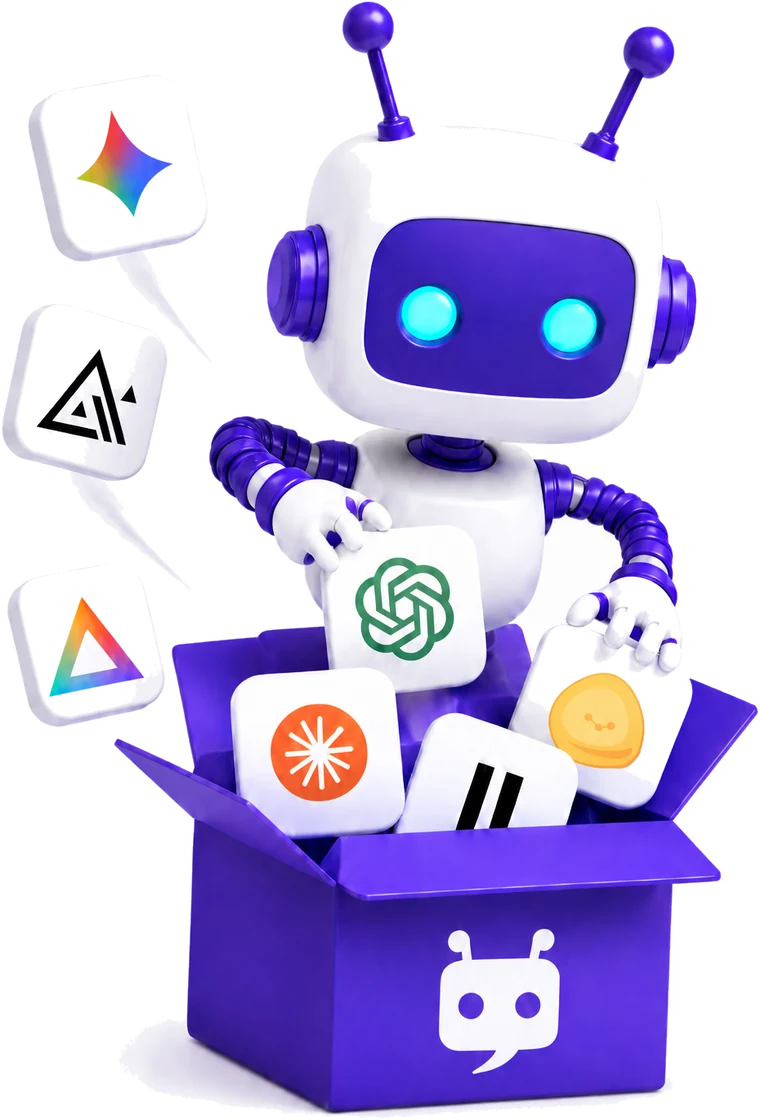
One Subscription, Many Image Models
Your plan covers the Recraft AI image generation tool and other image models such as Ideogram, Flux and Midjourney. You can try each one without paying for a separate subscription to every service.
Text, Images, Audio and Video in One Chat
Use Recraft AI online in the same chat where you work with text, audio and video. Brainstorm an idea with Gemini, then ask Recraft to draw it, with the whole conversation still in view.
Edit Without Leaving the Chat
The built-in In-Painter lets you inpaint parts of a picture, remove the background, expand the frame or upscale the result. If you want another option for image work, Magnific is available among the image models too.
Recraft Alternatives

 Midjorney
 FluxAi
 Ideogram
 NanoBanana
 Magnific
 RunWayImage
 StableDiffusion
 ImageGeneration
 Leonardo
 GrokImage
Good to Know Before You Start
Recraft V4.1 doesn't support negative prompts, text layout control or the artistic level setting. Recraft recommends Recraft V3 when you need those, and V3 is one of the versions you can pick.
A custom style works only with the model it was made for, so a style built for one version won't carry over to another.
Recraft AI FAQ
Does Recraft Have a Free Plan?
On recraft.ai, the Recraft free plan includes every model, V4 among them. Those free images are public in the community gallery, belong to Recraft and come with no commercial license. Cabina.AI doesn't include Recraft in its own Free plan.
Can I Use Recraft Images Commercially?
Under the terms Recraft sets for its own paid plans, you own the images you make and can use them commercially. Those images stay private and remain yours even after the subscription ends.
Is There a Recraft AI Vectorizer That Turns an Image Into SVG?
There's no Recraft AI vectorizer for existing pictures on Cabina.AI, since image-to-image isn't available for Recraft. You make a new SVG from a text description instead, with Recraft V4 Style and the Vector image (SVG) output type.
Does Recraft Have an AI Image Upscaler?
To use the In-Painter as a Recraft AI image upscaler, open the result and choose Upscale to raise its resolution. Recraft itself outputs images at 1K or 2K, so you can also start with a Pro version when you need finer detail from the first render.
What Makes Recraft a Different Design Tool From Other Image Generators?
The Recraft AI design tool puts design taste ahead of pure photorealism. Want to see what that means for your own idea? Compare Mode shows Recraft and another model side by side on the same prompt.
How Do I Cancel My Subscription?
You can cancel whenever you like. Your plan stays active, with no restrictions, until the end of the period you already paid for. Any unused tokens are kept for at least one year after the subscription ends.
Start Creating With Recraft on Cabina.AI
Pick a version, describe your design and get a finished image in one chat.
Start Your Recraft Design on Cabina.AI