


 1024
 Grok Imagine
Grok Image Generator That Creates and Edits Your Images
Type what you want to see and get a picture back, or upload a photo and say what to change. The Grok image generator takes both text and images as input, so you can use Grok Imagine to make new pictures or edit your own. It all happens in one Cabina.AI chat, next to top AI models for text, images, audio and video.
On Cabina.AI, one subscription covers the Grok Imagine AI image generator and every other model on the platform. You can move from Grok to another model halfway through a chat and keep your history. The Free plan lets you make your first images before you pay anything.
Create Your First Grok Image on Cabina.AI


What You Can Do With Grok Imagine

Pictures From a Prompt
With text to image, you describe a scene in words and Grok image generation turns it into a picture. Pick the aspect ratio yourself, or leave it on auto and let the model choose the best fit.

Edit With Several References
Upload your photos and describe the change you want. Grok Imagine image editing can work from as many as 5 images at once, so one prompt can combine them.

Magic Wand
Point at one area and say what should change there. The magic wand edits only that region, and everything else in the picture stays exactly as it was.

Background Removal
Need a clean cutout for a product page or a slide? Remove the background and export the subject on a transparent background, ready to drop into another design.

Smart Resize
Turn a square shot into a wide banner. Choose the new ratio, and smart resize adds the missing part of the scene for you.

Ready-Made Templates
The xAI Grok image generation tool includes templates for common jobs: photo editing, product shots, headshots, icons and game assets. Those same jobs make good starting points for your own prompts.

Sharp Text and Layout
Crisp small text is one Grok image generation capability that xAI highlights. According to xAI, the model also arranges type and layout much like a designer, which suits posters and labels.

Consistent Characters
Keep the same character, place or prop from one result to the next. With Grok Imagine AI image generation, the elements you put in carry over into each new version and each edit.
How to Use Grok Imagine for Image Editing and Generation

Open a Chat
How do you use Grok Imagine image generation? Sign in, open a new chat and choose Grok Image from the list of image models.
Write Your Prompt
Grok Imagine image generation starts from a plain description, so write the picture the way you'd describe it to a friend. Before you send it, set the resolution and a ratio that fits where the image will go.
Add Photos to Edit
Attach one photo or several references and tell the model what to change. That's how to use Grok Imagine for image editing: the model starts from your pictures instead of a blank canvas.
Refine the Result
Not quite right yet? Send a short follow-up prompt that names the detail to fix. The parts you already like stay in place, and only what you asked for changes.
Grok Imagine Edit Image Prompt Examples


Product Shot
Each of these Grok Imagine edit image prompt examples says exactly what you want, so you can copy it as it is. Upload a product photo and try this one:
Place this bottle on a clean white studio background with soft shadows and even light


Headshot
Start from a casual photo of yourself and send:
Turn this photo into a professional headshot with a neutral gray background, soft studio light and a dark business jacket
This one suits a profile picture for a team page or a resume.

Poster With a Headline
Design a summer sale poster with the headline SUMMER SALE in bold letters, bright citrus colors and a clean grid layout
Keep the headline to a few words so it stays easy to read on the finished poster.


Background Swap
Upload a portrait or an object shot and write:
Remove the background and place the subject on a sunny beach at golden hour
Your subject stays as it is, while the scene behind it changes completely.
Grok Imagine Resolution, Ratios, and Limits
Planning a print or a wide banner? Check the Grok image generation resolution and framing options xAI supports before you start.
| Setting | What xAI lists |
|---|---|
| Resolutions | 1k or 2k |
| Default resolution | 1k |
| 4K output | Not listed |
| Aspect ratios | Ten options, including 1:1, 16:9, 21:9 and 5:2 |
| Default ratio | Auto, where the model picks the best fit for your prompt |
| Quality levels | Low, medium or auto, only on Imagine Image 2.0 |
| Auto quality | Low for new images, medium for edits |
Aspect ratios
1:1
16:9
21:9
5:2
Auto
Ten options in total. Auto is the default: the model picks the best fit for your prompt.
10
images per request
6
requests per second on the starting tier
API image links are temporary, so save your results soon after they arrive
Grok Imagine Pricing on Cabina.AI
Your Grok AI image generation cost on Cabina.AI is a fixed number of tokens per picture: 6.00 tokens for Imagine Image 2.0 and 2.10 tokens for the original Imagine Image, on every plan.
Imagine Image 2.0: 6.00 tokens per image
Original Imagine Image: 2.10 tokens per image
Free
$0.00 / month
50 tokens per month
AI
$4.99 / month
450 tokens per month
Agent
$19.99 / month
1000 tokens per month
Agent Pro
$49.99 / month
2100 tokens per month

With xAI Grok image generation pricing, you pay xAI directly for this one model. Here you don't need an xAI account or subscription, and the Usage tab in your account shows what each generation cost.
Grok Imagine or Another Image Model
Not sure this Grok AI image generation model fits your project?
- 1
Start with the Grok chatbot to shape an idea.
- 2
Switch to Grok Image in the same chat without losing what you wrote.
- 3
Compare Mode sends one prompt to two models and shows both results side by side, so you can keep the better one.
Grok Imagine 2.0

GPT Image

Flux

Flux, Midjourney and Nano Banana are among more than 20 image models in the same list. Run the same idea through a few of them and keep the one whose result matches the picture you have in mind.
 Flux
 Midjourney
 Nano Banana
Use Cabina.AI Image Models Inside Claude, ChatGPT, and Cursor
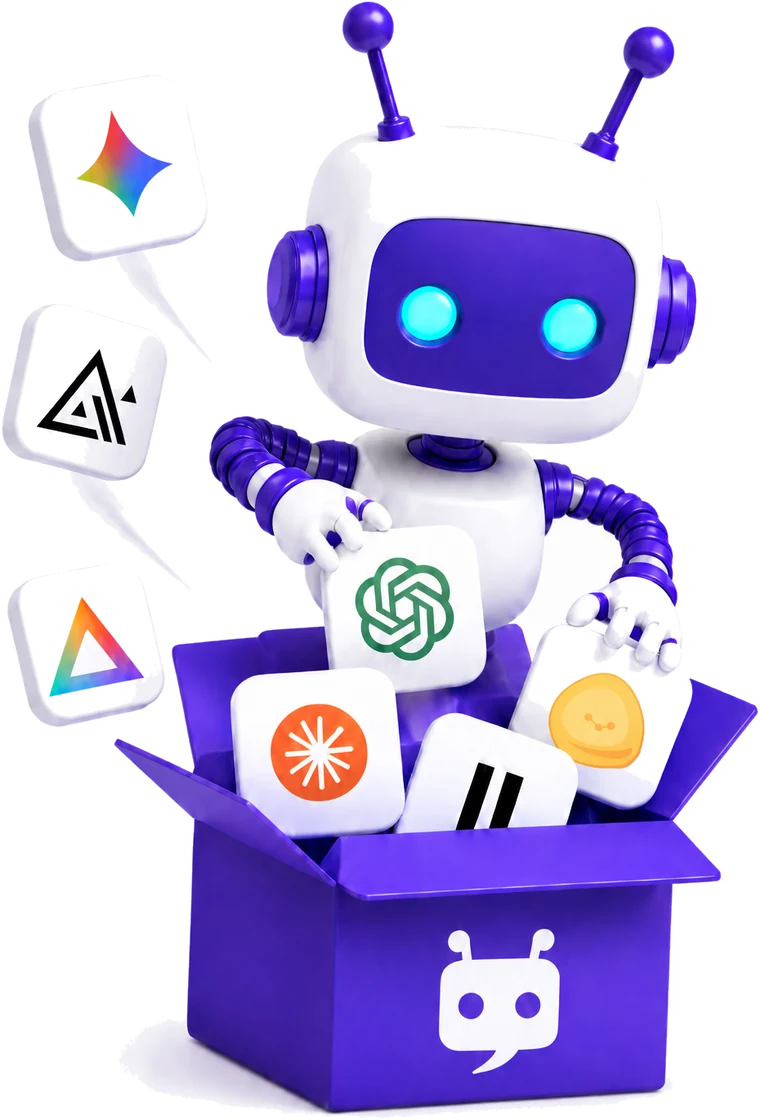
Already working in Claude, ChatGPT or Cursor? Connect Cabina.AI once through the Model Context Protocol, known as MCP, and you can use over 55 models for text, images, video and audio right where you work. You ask for an image in plain words without leaving your app. Setup takes one click or a single terminal command with a personal API key.


FAQ
Is Grok Imagine Free, and What Is the Limit per Day?
xAI doesn't publish a Grok AI image generation limit per day. Its FAQ names free-tier limits only for Chat and Voice, and paid users of the Grok apps share one weekly usage pool across products instead of daily caps. On Cabina.AI, you can try Grok Image on the Free plan right away, and any paid plan removes the free-tier daily limits.
Is This the Official xAI Grok Imagine Model?
Yes. Grok Imagine is the xAI Grok image generation model, and Imagine Image 2.0 runs in the xAI API as grok-imagine-image-2.0. xAI also offers it on grok.com/imagine and in its iOS and Android apps.
Why Does Grok Say Content Moderated When I Edit a Harmless Image?
xAI runs generated images through a content policy review. That check can stop an edit even when your own request feels harmless.
Are My Uploaded Photos Used to Train the Model?
xAI states in its API docs that media created with Grok Imagine isn't used for training. That covers the images the model makes and edits for you.
What Is the Difference Between Grok Imagine and Imagine Image 2.0?
Imagine Image 2.0 is the newer model in the Grok Imagine Image line, while the original runs as grok-imagine-image. Only 2.0 accepts a quality setting. It also costs more per picture, both in the xAI API and in Cabina.AI tokens.
Can Grok Imagine Make Video Too?
Yes, Grok Imagine also makes video. On Cabina.AI it is a separate model called Grok Video, with its own page, so you pick it from the video models instead of the image list. xAI designed Grok Imagine to keep characters, places and props consistent for a world you later use in video. That's useful for image to video work, where every shot needs the same look. If you're after a Grok video generator, start there.
Can I Pay Without a Monthly Subscription?
Yes. Pay-as-You-Go lets you top up once, starting at $3 for 249 tokens, with larger packs up to $50 for 5,300 tokens or a custom amount. A top-up removes free-plan limits for 100 days from your last payment, and unused tokens are kept for at least one year.

Make Your First Image With Grok Imagine
Start on the Free plan, type your first prompt and see what Grok Imagine makes. The same Cabina.AI account works with every other model too.
Try Grok Imagine Free on Cabina.AI